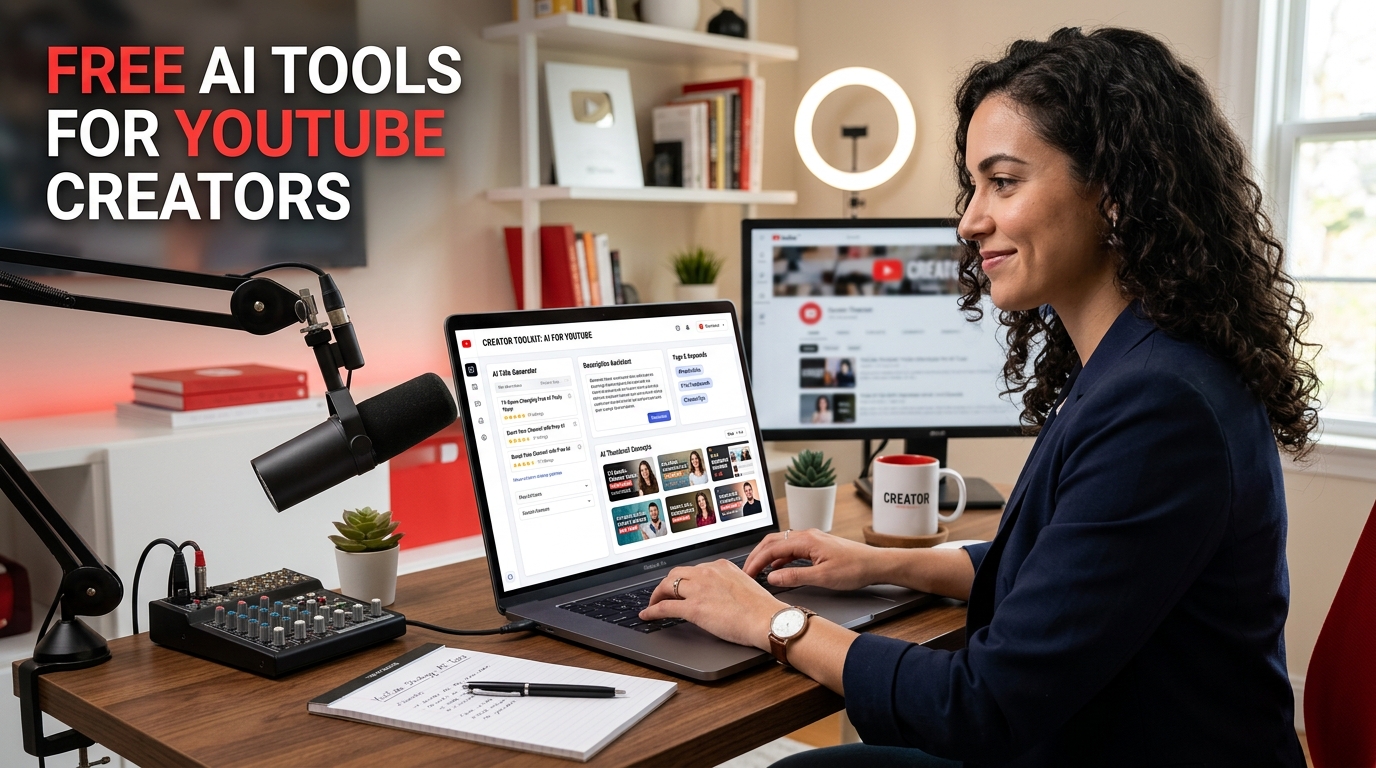
YouTube creation has a charming habit of pretending the hard part is only the video. It is not. The video matters, obviously, but so does everything wrapped around it: title, description, tags, ideas, hooks, packaging, and the repetitive stack of small decisions that somehow eat entire afternoons. That is exactly why free AI tools for YouTube creators have become so useful. They do not remove the need for judgment, but they can remove a startling amount of repetitive drag from the workflow.
This is not about replacing creativity with a button and calling it a strategy. It is about reducing friction. Good AI tools help creators brainstorm faster, package videos more clearly, generate multiple options instead of clinging to the first tired idea, and move from raw concept to publishable upload with much less wasted effort. In other words, AI is most useful when it supports the work around the content, not when it pretends to be the content.
Why YouTube creators need better workflows
Most creators do not struggle because they lack effort. They struggle because the workflow is fragmented. One tool for ideas, another for titles, another for tags, another for descriptions, another for thumbnails, and somewhere in the middle a growing suspicion that the upload process has turned into a full-time side quest. Free AI tools become valuable here because they reduce decision fatigue. They shorten the distance between “I have a video topic” and “this upload is actually ready.”
That matters whether you publish once a month or run a high-volume content schedule. Even small time savings compound quickly when repeated across every upload. And on YouTube, almost everything repeats.
What free AI tools usually help with
The most practical AI tools for YouTube tend to help with packaging and planning rather than pretending to solve everything at once. That includes generating stronger titles, writing faster descriptions, suggesting tags and hashtags, brainstorming content directions, shaping hooks, and giving creators more variations to choose from instead of forcing them to invent every option manually.
The value here is speed plus variation. A creator can go from one weak draft to ten usable directions much faster, then use judgment to select the strongest one. That is a much healthier process than assuming the first acceptable idea deserves immediate loyalty simply because everyone is tired and would like to move on.
AI title tools are often the first big win
Titles are one of the most repeated pain points in YouTube publishing. A title has to be clear, clickable, relevant, and aligned with the thumbnail, all while avoiding the subtle aroma of desperate overreach. That is why a dedicated AI YouTube title generator can be one of the most useful free tools in the stack.
Good title tools help creators generate different framing angles, improve clarity, test curiosity, and escape the trap of rewriting the same basic line three times while pretending it is a breakthrough. If you want a deeper breakdown of that process, a related guide on how to generate better YouTube titles with AI fits naturally here.
Description tools save more time than people expect
YouTube descriptions are rarely the glamorous part of the workflow, but they still matter. They help structure the upload, support discoverability, give context, and make the video feel more complete. A YouTube description generator is useful because it removes one more repetitive task from the publishing sequence.
That may not sound dramatic, but it is exactly the kind of task that drains time in quiet, repetitive ways. AI can help create a faster first draft, which the creator then refines. That is generally a better use of energy than repeatedly starting from a blank box with the same level of enthusiasm people reserve for paperwork.
Tags and hashtags are part of the same system
Tags are not magic, and hashtags are not a personality, but both can still be useful when handled sensibly. A YouTube tags tool and a YouTube hashtags tool help creators produce more structured metadata without forcing them to improvise every keyword path from memory.
This is especially useful when creators publish across multiple topics, manage several channels, or need faster support for packaging consistency. The value is not in stuffing fields with noise. The value is in making the topic signal clearer and the publishing process less chaotic.
Content idea tools help avoid creative tunnel vision
One of the most useful roles for AI is not writing the final output. It is generating enough variation that the creator stops orbiting the same three obvious ideas. A content ideas tool can help creators expand topic angles, identify series potential, and build out publishing directions faster.
This is particularly helpful when the real problem is not lack of ideas, but lack of perspective. Many creators do have ideas. They just have the same ideas in slightly different outfits. AI helps widen the field so better decisions have a chance to appear.
Channel naming and positioning also benefit from AI
For creators launching new projects, naming can become its own strange little trap. Every name feels too generic, too long, too strange, already taken, or unreasonably attached to a mood that may not survive contact with reality. A YouTube channel name tool can help generate cleaner directions faster and reduce unnecessary dithering in early setup.
This matters because brand clarity affects more than aesthetics. It influences memorability, niche fit, and how easily the channel concept starts to feel real enough to build on.
Thumbnail and hook tools belong in the same workflow
A title is rarely enough by itself. Packaging works as a system. That means creators often benefit from pairing AI title and metadata tools with supporting workflow pieces such as a thumbnail comparison tool, a hook generator, or a script generator. The goal is not to collect tools like souvenirs. The goal is to reduce friction at the exact points where publishing tends to slow down.
When these tools are used properly, they do not make the process robotic. They make it less clogged. That is a very different outcome, and a much more useful one.
What free AI tools do not do
They do not replace judgment. They do not understand your audience better than you do by default. They do not automatically turn weak content into strong content. And they definitely do not remove the need to review output. AI can produce useful options, but it can also produce bland wording, repetition, vague phrasing, or confident nonsense if you let it.
This is why the best creators use AI as a speed layer, not as a substitute for thinking. The tool helps generate, compare, and draft. The creator still chooses, edits, aligns, and decides.
Why free tools matter specifically
Not every creator is working with a big budget, an agency team, or a paid stack of software subscriptions quietly eating the monthly income. Free AI tools matter because they lower the barrier to a more professional workflow. They give newer creators, smaller channels, and solo operators access to faster packaging support without requiring an elaborate setup.
That makes them not just convenient, but strategically useful. Better workflow support helps creators stay consistent, and consistency is one of the few YouTube advantages that remains deeply unglamorous and deeply important.
Why this topic has strong search intent
People searching for free AI tools for YouTube creators usually want immediate utility. They are not browsing for entertainment. They want ways to move faster, generate stronger packaging, organize uploads better, and reduce workflow drag. That makes the topic very strong for SEO and for tool-led content strategy. The article explains the value. The tools deliver the action.
That is a very workable combination. Useful content builds trust and relevance. Practical free tools turn that trust into actual use. Ideally without making the creator feel like the publishing process has become even more complicated in the process.
Final thoughts
Free AI tools for YouTube creators are most valuable when they help with the repetitive, structural, packaging-heavy parts of the workflow. They save time, widen options, reduce blank-page friction, and help creators publish with more consistency and less guesswork.
The point is not to let AI run the channel while you stare into the middle distance. The point is to use AI where it is genuinely helpful, so you can spend more time on the decisions that actually need a human brain and less time wrestling the same repetitive tasks every single upload.