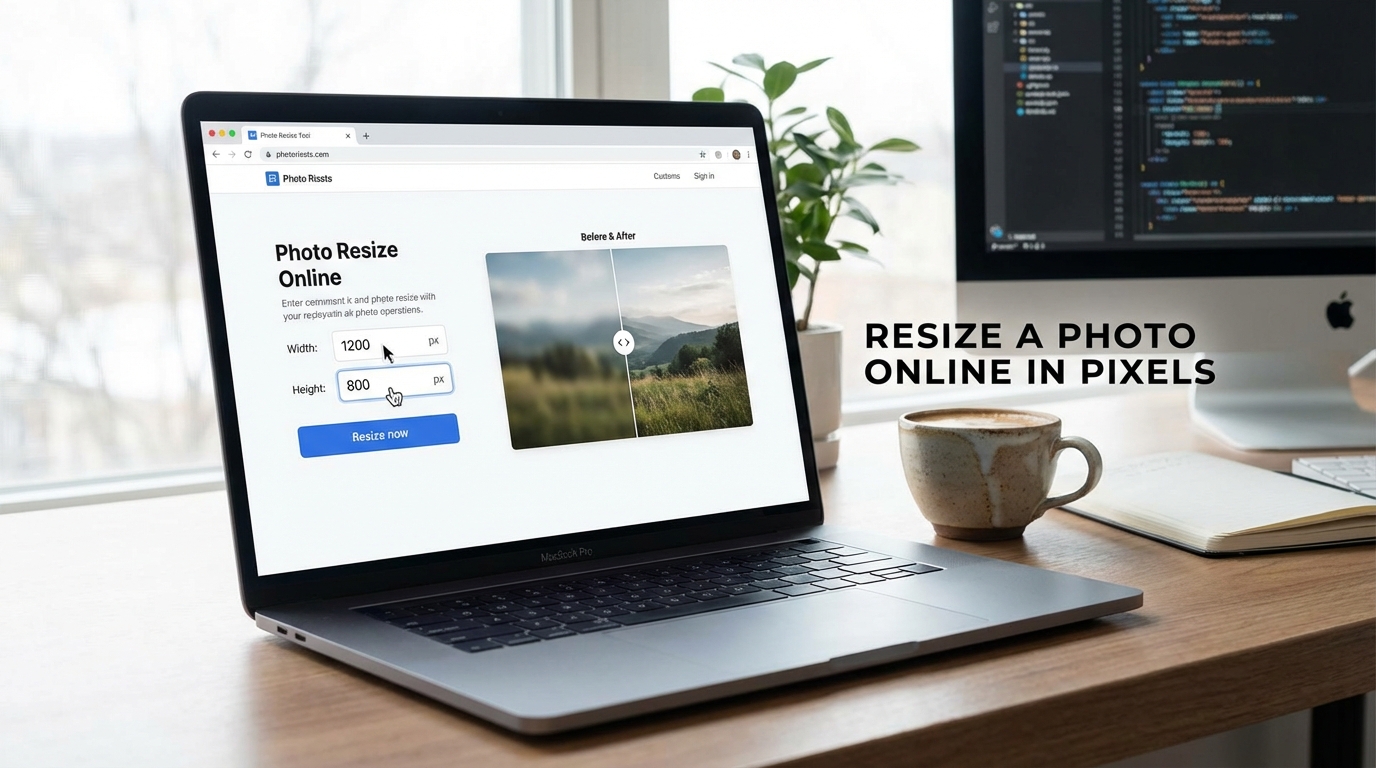
Resizing a photo sounds like a small task until the moment the size actually matters. Then suddenly you are dealing with exact dimensions, platform requirements, upload rules, layout constraints, or some website that refuses to accept your image unless it arrives in the precise shape and size it demanded with all the warmth of a tax form. That is why people search for how to resize a photo online in pixels. They are not looking for abstract design philosophy. They want the image to fit the job correctly.
And that is a reasonable goal. Pixels are the language many digital platforms actually use. Websites, blogs, product cards, social media visuals, thumbnails, banners, forms, and content tools often expect exact width and height values. If the photo does not match, the result can be rejected, cropped badly, displayed awkwardly, or stretched into something vaguely embarrassing. A proper resize fixes that before the image has a chance to misbehave publicly.
Why resizing in pixels matters
Pixels define the digital dimensions of an image. If you need a photo to be 1200 by 628, 1280 by 720, or 1080 by 1080, that is not a suggestion. That is the actual structural size the image needs to have if you want it to fit correctly in the target layout or platform.
This matters because “close enough” is often not enough. A photo that is slightly wrong may still open, but it may also look softer than it should, crop badly, or create unnecessary friction in publishing. Exact pixel resizing is one of those simple tasks that quietly prevents a surprising number of annoying downstream problems.
Why online resizing is useful
An online resizer is useful because most people do not want to open heavy editing software just to change width and height. They want a fast, direct way to enter the needed dimensions, resize the photo, and move on with their actual work. That is especially true for repetitive workflows where resizing is not the main task, just the thing blocking the main task.
Speed matters here. If you work with content, websites, ecommerce, blog posts, or social visuals, you may resize images constantly. The less friction in that process, the better. A browser-based image resizer makes the workflow much easier because it keeps the task focused on the outcome instead of turning it into a software commitment.
Pixels are not the same as centimeters
This is where confusion appears very quickly. Pixels describe digital size. Centimeters describe physical print size. If the image is meant for a screen, website, or digital platform, pixels are usually the measurement that matters most. That is why resizing in pixels is often the right choice for online publishing, YouTube packaging, social media, web graphics, and general digital content.
People sometimes start with “I want the photo smaller” when what they really mean is “I need this image to be 1200 pixels wide” or “this platform wants 800 by 800.” Once that becomes clear, the task gets much easier. A pixel-based resize gives you control over the actual digital behavior of the file, not just a vague sense that it might now be less inconvenient.
When exact pixel dimensions are especially important
Exact pixel dimensions matter in more places than people expect. Social media graphics often need specific canvas sizes. Website images need to fit layout containers properly. Product images may need standardized dimensions to keep a catalog clean. Blog visuals need usable widths. Thumbnails and banners often rely on exact aspect ratios to avoid ugly crops or softness.
This is one reason image sizing becomes a workflow issue, not just a one-off fix. If you are regularly preparing digital visuals, understanding pixel dimensions helps you work faster and publish more cleanly. It is also why related guides like best image sizes for social media and websites become useful once resizing stops being an isolated task and starts becoming part of a system.
Resize versus resolution: not always the same thing
People often use the words loosely, but resizing a photo in pixels means changing its digital dimensions. That is not always the same as changing quality in a magical way. If you make the image smaller, you usually reduce the amount of pixel information. If you enlarge it, you increase the dimensions, but you do not automatically create new detail that was never there to begin with.
That is why smart resizing matters. Shrinking an image is usually safer. Enlarging an image should be done with realistic expectations. A decent online resizer can help you fit the image to the required size, but it cannot manufacture crisp detail out of optimism alone.
How to resize without making the image worse than necessary
The safest approach is to resize to the exact dimensions you actually need, not larger and not smaller. If the target platform wants a specific width and height, use those values. If you only need a certain width, resizing proportionally helps preserve the overall shape. If the image must fit an exact frame, cropping may also be necessary depending on the aspect ratio.
It also helps to think about file handling after resizing. A resized image can still be inefficient if the format or compression is wrong. That is why related topics like PNG vs JPG vs WebP and how to compress images without ruining quality often belong in the same workflow conversation.
Common reasons people resize photos in pixels
- Website uploads: making an image fit the exact layout or CMS requirement.
- Social media posts: matching standard digital canvas sizes.
- YouTube visuals: preparing thumbnails, banners, or support graphics correctly.
- Product images: standardizing catalog dimensions for a cleaner store layout.
- Forms and applications: meeting specific image upload limits and requirements.
Why exact pixel sizing improves presentation
When an image fits the intended space correctly, everything feels cleaner. The layout behaves better. The page looks more controlled. The visual is not fighting the container. That may sound like a small detail, but small details accumulate into overall polish surprisingly fast.
And this is the quiet value of correct image sizing. It helps content look intentional. Not miraculous. Not flashy. Just properly prepared, which is often much more useful than people give it credit for.
What to avoid when resizing photos online
The first mistake is resizing without knowing the target dimensions. The second is stretching the image to force it into a shape it does not naturally fit. The third is enlarging weak images and expecting them to look sharper afterward. The fourth is ignoring what happens after resizing, such as heavy file size or bad format choice.
None of these problems are especially glamorous, but they are extremely common. And that is exactly why a clear resizing workflow matters. It prevents simple tasks from quietly becoming messy ones.
Why this topic has strong search intent
People searching how to resize a photo online in pixels usually want immediate help. They already have the photo. They already have the requirement. They just need a quick, usable way to make the file fit. That makes the topic very strong for SEO and ideal for tool-led content. The article explains what matters. The tool handles the job.
This works well because the user arrives with a practical problem and a very low tolerance for unnecessary detours. Respecting that intent tends to produce much better content than trying to sound profound while someone is just trying to make an image fit 1200 by 628 before lunch.
Final thoughts
If you need an image to fit a digital platform properly, resizing a photo online in pixels is one of the most useful and direct things you can do. It helps the image behave correctly, look cleaner in its destination, and avoid a surprising number of preventable issues.
That is the real benefit. Pixel resizing is not glamorous, but it is foundational. And in digital publishing, foundational tasks tend to matter a lot more than the flashy ones people enjoy talking about.