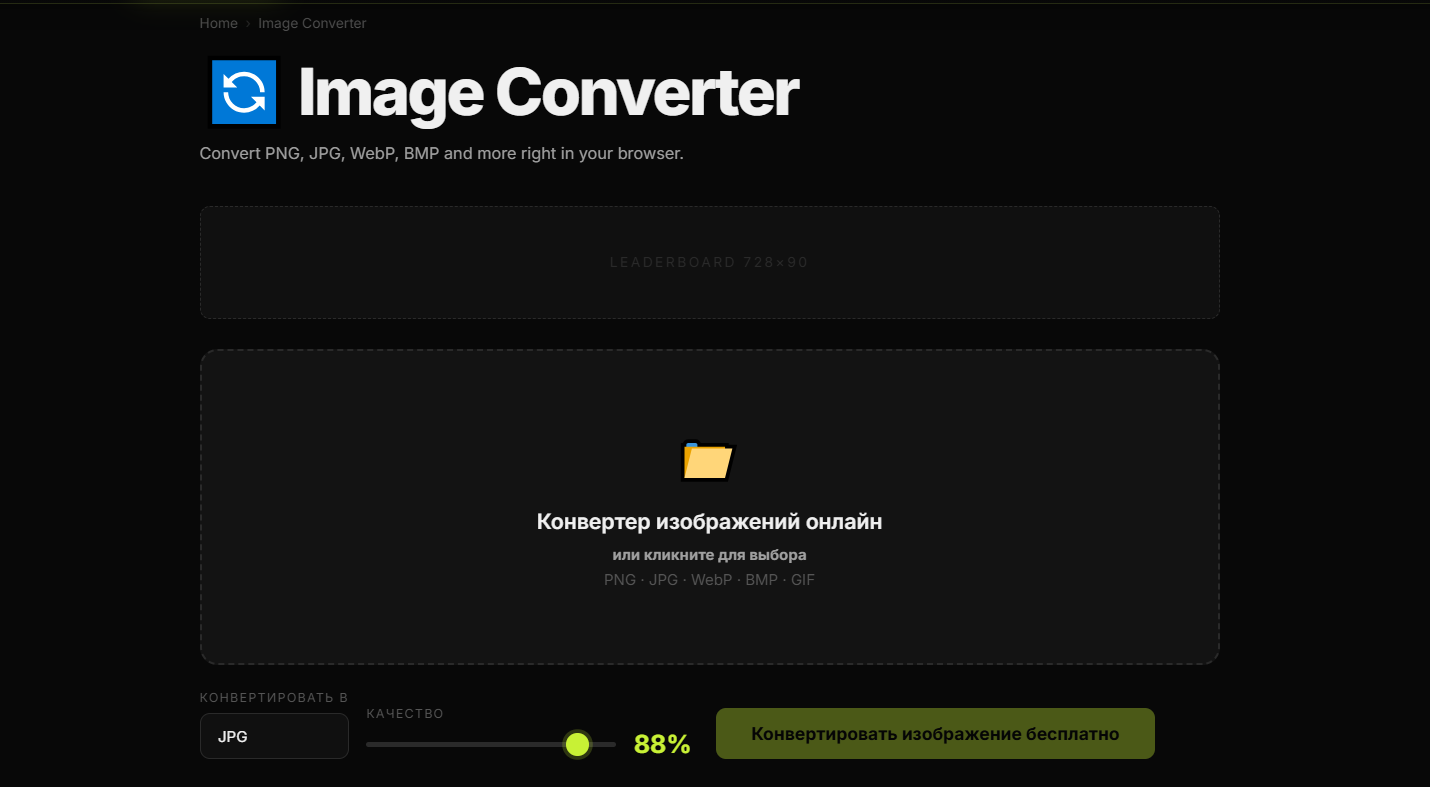
Converting JPG to PNG sounds like one of those small tasks that should take ten seconds and then disappear from your life forever. In reality, people run into it all the time: a designer needs cleaner edges, a site owner wants a transparent ready workflow, a creator needs better compatibility for editing, or someone simply has the wrong format for the job and does not feel like opening a heavyweight editor for a two minute fix that somehow becomes twenty.
That is why so many users search for ways to convert JPG to PNG online. The task is simple, the need is practical, and the expected result is immediate. You upload the image, choose PNG, download the new file, and move on with your actual work instead of turning a basic format change into a personal endurance test.
Why people convert JPG to PNG
JPG is widely used because it keeps file sizes relatively small and works well for photos. It is great for many everyday cases, especially where lightweight images matter. But PNG becomes useful when you need a format that handles graphics, text, cleaner edges, repeated editing, and lossless saving more comfortably. That makes it a common choice for design assets, interface elements, simple graphics, screenshots, and images that may be edited multiple times.
In other words, JPG is often good for final viewing, while PNG is often more convenient when visual quality, editing flexibility, or graphic clarity matters more than file weight. This is exactly why people keep converting between the two instead of declaring one universal winner and going home early.
What happens when you convert JPG to PNG
When you convert a JPG image to PNG, you are changing the container format of the file. The resulting PNG does not magically restore information that was already lost in the original JPG compression, so it is important to be honest about expectations. Converting JPG to PNG can improve workflow compatibility and help preserve the current image state during future edits, but it does not reverse earlier quality loss.
That said, the conversion is still useful. Once the image is saved as PNG, later resaves in PNG do not keep applying JPG style lossy compression in the same way. This makes PNG a more comfortable working format if you plan to keep editing, reusing, layering, annotating, or exporting the asset again later.
When PNG is the better choice
PNG is especially useful when the image includes text, logos, icons, interface elements, screenshots, labels, shapes, or other hard edged graphics. These elements often look better in PNG because the format is well suited for crisp lines and repeated editing. It is also a sensible choice when you want to avoid extra quality degradation in future edits.
For example, if you are preparing an image for a design mockup, a blog tutorial, a YouTube thumbnail composition, a product annotation, or a marketing visual that still needs changes, PNG often makes more sense than staying in JPG. It keeps the workflow cleaner and reduces the chance that each new save slowly chews through the image quality like a bored machine with no supervision.
Why use an online JPG to PNG converter
An online converter is useful because most people do not want a complicated process for a basic format change. They want speed, convenience, and no unnecessary friction. A browser based tool lets you upload a JPG, convert it to PNG, and download the result without installing software or opening a full editor just to click what is essentially the digital equivalent of moving a file from one shelf to another.
This matters even more for repetitive workflows. If you handle website graphics, ecommerce assets, blog images, tutorial screenshots, social content, or creator materials on a regular basis, those “small” tasks stack up quickly. Fast conversion saves time not because each action is dramatic, but because there are always more of them than expected.
JPG vs PNG: practical differences
The choice between JPG and PNG is not about which format is superior in some grand universal sense. It is about use case. JPG is usually better when you need smaller file sizes for photographs and general web use. PNG is often better when you need cleaner graphic detail, stronger editing stability, or a lossless format for ongoing work.
If the image is a photo for lightweight publishing, JPG may still be the smarter end format. If the image is going into a layout, design file, tutorial, thumbnail draft, interface mockup, or graphic workflow, PNG may be the more comfortable working format. Context decides. As usual, the internet would prefer a dramatic absolute answer, but reality remains annoyingly practical.
Common reasons creators convert JPG to PNG
- Thumbnail design: preparing source images for YouTube or social graphics.
- Editing workflow: moving an image into a lossless format before more revisions.
- Screenshots and text heavy visuals: keeping edges and lettering cleaner.
- Graphic assets: using images in layered compositions, slides, tutorials, and promo materials.
- Website and blog production: adapting an image for a specific publishing workflow.
What an online converter should do well
A good JPG to PNG converter should be simple, fast, and reliable. The process should not require technical patience, creative negotiation, or a side quest through six menus nobody asked for. Users should be able to upload the file, choose the output format, and download the converted image quickly.
It also helps when the tool fits naturally into a broader workflow. Many users do not stop after conversion. They may compress the file, resize it, remove the background, or continue editing elsewhere. The more smoothly the converter supports that flow, the more genuinely useful it becomes.
Does converting JPG to PNG improve quality?
This is one of the most common questions, and the honest answer is: not in the magical way people sometimes hope. If a JPG already lost detail because of compression, converting it to PNG does not rebuild that lost information. However, it can still be the right move when you want to protect the current version from further lossy resaving while you continue working on it.
So the benefit is not “quality restoration.” The benefit is workflow stability, compatibility, and a better format for continued editing in many common cases.
How this topic works for SEO
The search intent behind “how to convert JPG to PNG online” is strong because it is immediate and task driven. The user already knows the problem and wants a fast solution. That makes it an excellent topic for both a tool page and supporting content, because the article can explain why the conversion matters while naturally leading the user toward the actual action.
From an SEO perspective, this kind of topic performs well when the content stays practical, answers common questions clearly, and avoids padding the page with generic format history no one needed. The goal is not to impress the reader with theoretical enthusiasm. The goal is to help them finish the task and trust the tool.
Final thoughts
If you need to convert JPG to PNG online, the value is not just in changing the extension. The real value is using the right format for the next step of your workflow. PNG can be a better choice for design, repeated edits, text based visuals, screenshots, and graphics where clarity matters more than keeping the file as small as possible.
So yes, it is a simple task. But it is also one of those small workflow steps that quietly saves time and prevents avoidable quality headaches later. Which is not glamorous, but is often the exact kind of usefulness people actually need.