Knowing how to come up with a YouTube video title is one of those skills that looks small until you realize how much it affects everything around the video. A weak title can flatten a strong idea. A confusing title can hide a useful video. And a title that tries too hard can make the whole package feel noisy before the viewer even clicks.
The good news is that title writing does not need to be mystical. You do not need to wait for inspiration to descend from the heavens and whisper the perfect headline into your editing timeline. In most cases, a strong YouTube title comes from a repeatable process. The better your process is, the less often you get stuck.
Start with the real point of the video
Most title problems begin because the creator starts too broad. They try to title the whole topic instead of the core payoff. But viewers do not click on topics alone. They click on a reason. That reason might be a result, a mistake, a reveal, a shortcut, a comparison, or a clear emotional hook. If you cannot describe the real point of the video in one plain sentence, the title will probably wander too.
Before writing anything, ask one simple question: what is the most important thing the viewer gets if they click? That answer becomes your starting point. Not the entire script. Not every detail. Just the central reason the video matters.
Choose an angle instead of naming the subject
Many weak YouTube titles are technically accurate but strategically dead. They name the subject and stop there. That is not always enough. A stronger title usually frames the subject through an angle. The angle is what gives the viewer a reason to care now instead of later.
For example, a video about thumbnail design can be framed through mistakes, click-through rate, before-and-after improvement, or testing. Same subject, different reasons to click. When you understand that, title writing becomes less about random cleverness and more about choosing the most useful entry point.
Make clarity beat cleverness
Creators sometimes fall in love with titles that feel smart but communicate slowly. The problem is that YouTube is not a quiet library where people sit down to appreciate your subtle phrasing. It is a crowded, fast-scrolling environment. If the title takes too long to decode, it loses momentum.
Clear titles usually win more often than fancy ones. That does not mean titles need to be boring. It means the viewer should understand the topic and the implied payoff quickly. A title can still have curiosity and personality, but clarity should get there first.
Write several versions before choosing one
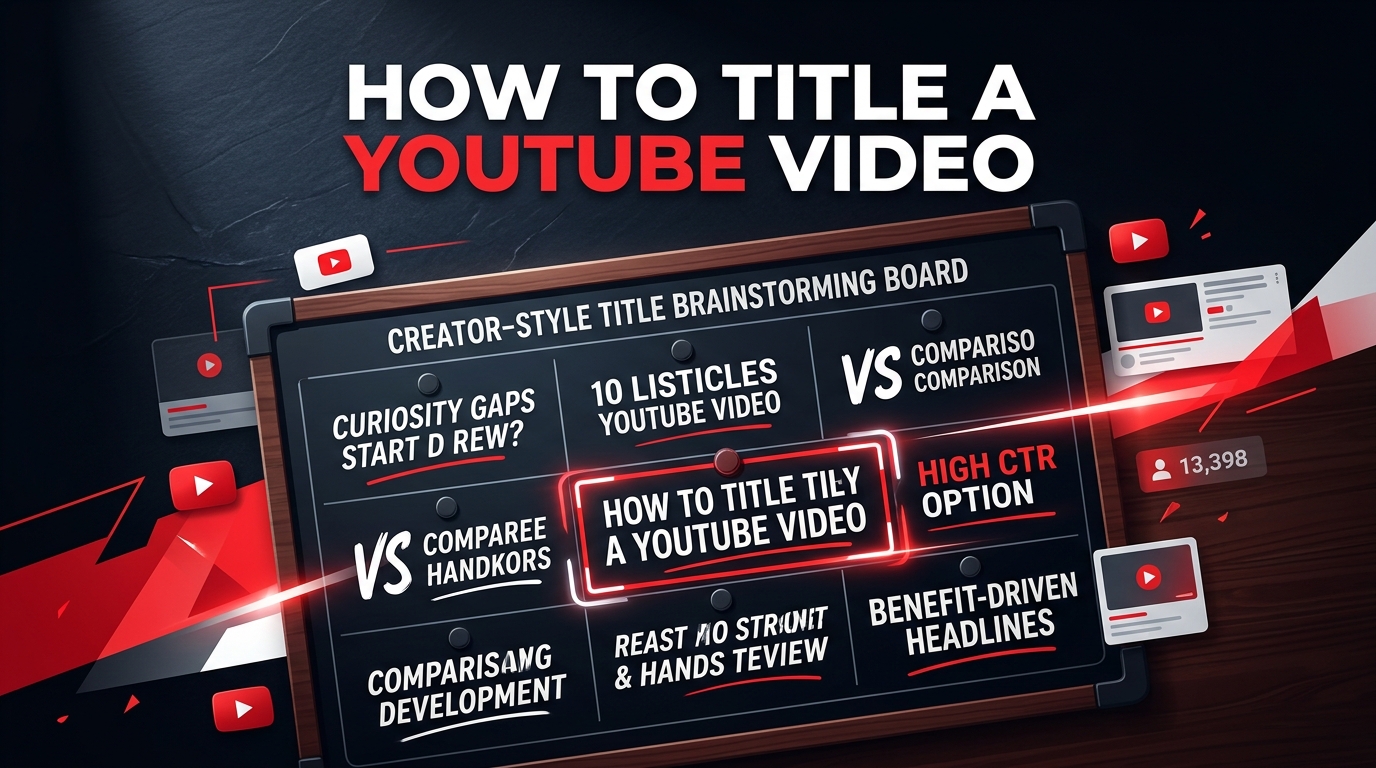
One of the easiest ways to improve your titles is to stop expecting the first idea to be the final one. Write several versions on purpose. A direct version. A shorter version. A curiosity-driven version. A search-friendly version. A more emotional version. Then compare them.
This matters because average titles often survive only because they never had competition. Once you put three or four real alternatives side by side, the weaker wording becomes much easier to spot. You start noticing which version is clearer, which one feels stronger with the thumbnail, and which one overcomplicates the promise.
Think about the thumbnail at the same time
A YouTube title does not work alone. It is part of the package. If the thumbnail already shows the outcome, the title can focus on the setup. If the thumbnail shows the tension, the title can clarify the topic. If both the title and thumbnail repeat the exact same information, the packaging becomes less efficient.
That is why good creators often test title ideas while looking at thumbnail concepts, not after everything else is already locked. YT Creator Tools includes a thumbnail tester specifically for that side-by-side comparison workflow, which makes it easier to see whether a title actually works in context instead of sounding good in isolation. fileciteturn1file0L1-L10
Use tools to speed up the process, not to replace judgment
If you struggle to generate options quickly, tools can help. A title generator or AI-assisted workflow can give you multiple directions in seconds. That is useful, especially when you publish often or when your first few ideas all sound identical. But the tool should support selection, not make the final decision for you.
YT Creator Tools already has a dedicated title generator, along with description, tags, hashtags, and channel naming tools that fit into the same publishing workflow. That makes it easier to move from one packaging task to the next without turning every step into a separate scramble. fileciteturn1file0L1-L10
Look for the promise inside the title
Most clickable titles contain some form of promise. Not necessarily a huge dramatic claim, but a clear signal that the click leads to something worthwhile. Maybe the viewer will learn a faster method. Maybe they will avoid a mistake. Maybe they will see a surprising comparison. Maybe they will understand why something worked or failed.
When you cannot find a good title, the issue is often not wording. It is that the promise is still blurry. Fix the promise first, and the title usually gets easier to write.
Cut extra words without cutting meaning
Once you have a decent title, tighten it. Remove filler. Cut repeated ideas. Replace soft phrasing with cleaner wording. The goal is not to make every title ultra-short at all costs. The goal is to make each word earn its place.
This part is especially important for mobile viewing, where titles often compete for attention in limited space. Strong titles tend to feel intentional. They do not drag. They move.
Final thoughts
If you want to know how to come up with a YouTube video title more consistently, the answer is usually not more guesswork. It is a better system. Start from the real payoff. Choose an angle. Prioritize clarity. Write multiple options. Compare them next to the thumbnail. Tighten the final wording. That process is simple, but it works.
If you want help with the next step, try the YouTube title generator, test packaging in the thumbnail tester, build support text with the YouTube description generator, or prep visuals in the image resizer. Those pages are already part of the live site structure. fileciteturn1file0L1-L10