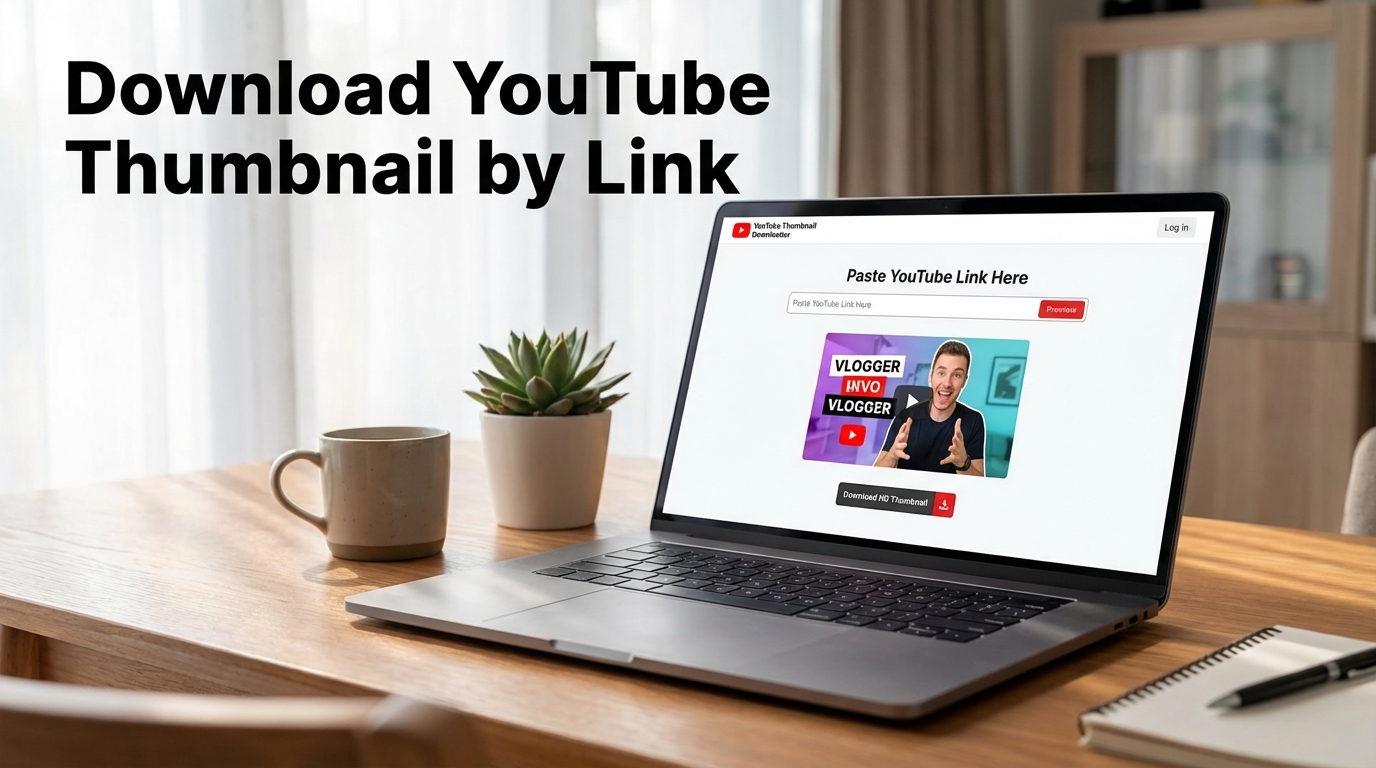
Sometimes you do not need the whole video. You need the cover. Maybe you want to analyze a competitor’s packaging, save a reference, compare design approaches, collect inspiration for your own thumbnails, or simply grab the image quickly without turning it into a small detective mission. That is exactly why so many people look for a way to download a YouTube thumbnail by link.
It is one of those tasks that sounds tiny until you need to do it often. Then suddenly convenience matters a lot. If the workflow is slow, annoying, or unnecessarily manual, it becomes yet another little drain on time. A simple tool that lets you paste the video URL and instantly get the thumbnail solves that problem cleanly. Which, in the world of online tools, already qualifies as refreshingly civilized behavior.
Why people download YouTube thumbnails by link
The most obvious reason is speed. If you already have the video link, the fastest workflow is to use that link directly and pull the thumbnail without extra searching. No need to hunt through page source, guess image paths, or play unnecessary games with browser tabs. Paste link, get thumbnail, move on.
That is useful for creators, marketers, editors, researchers, bloggers, and anyone who works with YouTube as a content source or reference point. Sometimes the thumbnail is needed for visual analysis. Sometimes for creative research. Sometimes for documenting examples or comparing click-oriented packaging across channels and niches. The image itself becomes useful long before anyone needs the actual video file.
What makes a link-based thumbnail workflow better
A link-based workflow starts with intent already in hand. You know the video. You have the URL. The only missing part is fast access to the thumbnail. That makes a dedicated downloader much more practical than slow manual methods. Instead of navigating around the image indirectly, you go straight to the asset you need.
This matters even more when you are doing repeated work. A one-time manual workaround can feel tolerable. The tenth repetition feels like software punishing you for having a job. A tool built specifically for downloading a YouTube thumbnail by link removes that friction and keeps the process short, clear, and repeatable.
When downloading the thumbnail is especially useful
There are several very common use cases. The first is competitor research. Thumbnail design is a major part of YouTube performance, and many creators study high-performing covers to understand framing, contrast, text use, emotion, and visual hierarchy. The second is design reference. Sometimes you want to examine a layout, color pattern, crop, or style treatment more closely while building your own concept.
A third use case is comparison. If you work on visual packaging, a downloaded thumbnail can be reviewed alongside your own concepts before publishing. That is where workflows involving a thumbnail comparison tool start becoming especially useful. A reference image is one thing. Seeing different cover directions side by side is where the analysis usually gets more honest.
Why thumbnails matter so much in YouTube packaging
A thumbnail is not just an image attached to a video. It is part of the click decision. It is the visual promise that competes in search results, suggested videos, homepage feeds, and channel grids. If you are studying YouTube strategy seriously, thumbnails deserve direct attention. Downloading them quickly by link makes that study easier and far less clumsy.
This is one reason thumbnail-focused workflows often connect naturally to broader packaging tasks. If you are reviewing visual direction, it may also make sense to study how the cover works with the title. That is where tools like a YouTube title generator or related packaging articles start fitting into the same content process. The thumbnail rarely works alone.
What to look at after downloading a thumbnail
Once you have the image, the useful part begins. Look at composition first. What is the main focal point? How large is the face or object? How much text is used, if any? How strong is the contrast? Does the thumbnail communicate instantly, or does it need explanation? The goal is not to admire it abstractly. The goal is to understand what it is doing well, badly, or strategically.
This is especially valuable when reviewing multiple examples from the same niche. Patterns become visible quickly. You start noticing what styles dominate, what visual shortcuts repeat, and what kinds of covers look overdesigned or underwhelming. Downloading the thumbnail is the access point. The real value is what you do with it next.
Why a dedicated thumbnail downloader is better than manual methods
Manual methods are usually annoying for the same reason most awkward workflows are annoying: they create extra steps without creating extra value. If the job is to get the thumbnail, the workflow should not require browser inspection tricks, weird URL guessing, or unnecessary detours. A dedicated YouTube thumbnail downloader makes the task direct.
That does not just save time. It also reduces small errors. When the process is simple, it is easier to repeat correctly. And the more often you work with thumbnails, the more that matters. Tiny inefficiencies love repetition. So does irritation.
How this helps creators and marketers
Creators can use downloaded thumbnails for research, style comparison, and planning. Marketers can use them to study packaging patterns, track creative trends, review competitors, and save visual examples for future campaigns. Bloggers and editors can use them as reference material when discussing YouTube content strategy or documenting examples in industry writeups.
And if the thumbnail later needs editing, resizing, or repurposing for research boards, it helps to pair the workflow with tools like image resizing. That keeps the asset easier to inspect and organize without making a simple reference task more awkward than necessary.
Common mistakes to avoid
The first mistake is downloading thumbnails without any system for how they will be used. If you are collecting references, organize them. Otherwise you will build a beautiful little archive of visual confusion and revisit it only to discover that everything is named badly and nothing is where it should be. The second mistake is studying thumbnails without studying context. A cover makes more sense when you also consider title, topic, audience, and niche norms.
The third mistake is assuming that every successful thumbnail should be copied directly. It should not. The better use is to identify principles, not clone surface details. Downloading a thumbnail gives access. It does not automatically grant taste.
Why this topic has strong search intent
The intent behind this topic is very practical. People searching how to download a YouTube thumbnail by link usually want a fast solution, not a philosophical conversation about image extraction. That makes the topic strong for SEO and highly compatible with a tool-led content strategy. The article explains why the workflow is useful. The tool solves the task right away.
This is exactly the kind of content-tool pairing that works well. A user arrives with a specific problem, gets a clear answer, and can immediately take action instead of being left with theory and a slightly more informed form of annoyance.
Final thoughts
If you need a YouTube cover quickly, downloading the thumbnail by link is one of the simplest and most practical workflows available. It saves time, removes unnecessary steps, and makes thumbnail research, comparison, and creative planning much easier.
That is really the whole point. A small task handled well makes larger workflows smoother. And when content work already contains enough moving parts, saving time on the obvious things is rarely a bad idea.