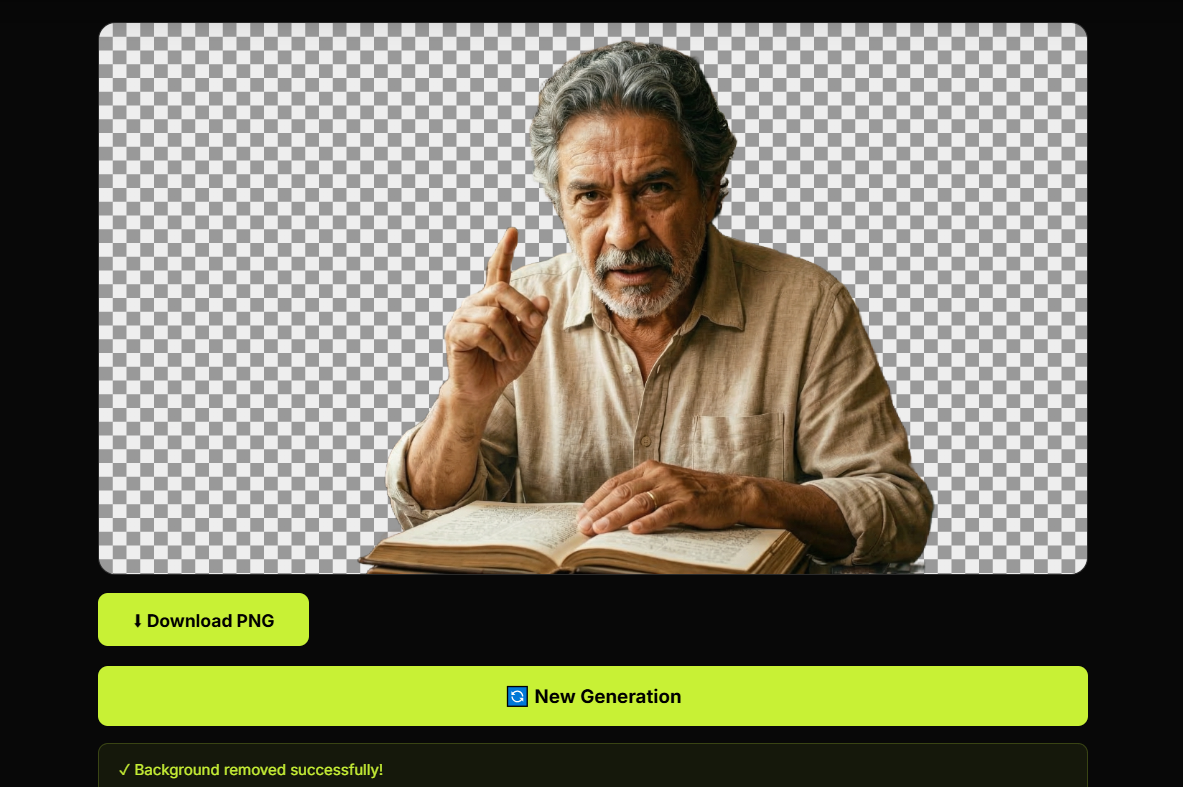
Product photos do a lot of quiet work. They build trust, support conversion, shape brand perception, and help a buyer decide whether something looks worth attention or suspiciously like it was photographed during a mild household emergency. That is why background quality matters more than many sellers expect. If the product is the focus, then the background should support the product, not compete with it, confuse it, or make it look like it was abandoned inside a random room with poor lighting choices.
This is exactly why so many people look for the best way to make a transparent background for product photos. A transparent background gives you flexibility. You can place the product on white, on a marketplace-ready card, inside an ad layout, in a branded design, or on different promotional assets without dragging the original environment everywhere like unnecessary luggage. In practical terms, it turns a single product image into a reusable visual asset.
Why transparent product backgrounds matter
When a product photo has a transparent background, the product becomes easier to use across multiple channels. Ecommerce stores, marketplaces, social ads, banners, landing pages, catalogs, and promotional graphics all benefit from cleaner visuals. Instead of trying to crop around messy surroundings every time, you start with a cutout that is already prepared for design and publishing.
This matters for consistency too. Clean background removal helps product images feel more professional, more uniform, and more intentional. That consistency influences trust. Buyers may not say, “I prefer this store because the product cutouts are visually coherent,” but people absolutely notice when a shop looks polished versus when it looks like the images were collected by coincidence.
What makes a transparent background useful
The value is not only aesthetic. It is operational. A transparent product image is easier to place into new designs, easier to resize for campaigns, easier to combine with promotional text, easier to test in different ad layouts, and easier to reuse across websites and social platforms. One clean cutout can support a surprising amount of downstream work.
This becomes especially useful when product visuals feed into broader marketing. A seller may need clean product images for store listings, ad creatives, email campaigns, short-form video assets, or even YouTube related content planning. If the product is part of a broader content strategy, tools for content ideas, YouTube hashtags, or channel naming may support the publishing side, but the visual foundation still starts with strong product images.
The best way to create a transparent background
The best approach is usually the one that gives you a clean subject edge, consistent output, and enough speed to fit real workflows. In the past, this often meant manual editing in heavy design software. That still has its place for complex retouching, but it is slow, repetitive, and not especially charming when you have dozens of product photos waiting in line.
Today, AI background removal is often the most practical way to create a transparent background for product photos. A good AI tool can detect the product, separate it from the background, and generate a cutout much faster than manual work. It does not mean every image will be perfect without review, but it dramatically reduces the time between raw photo and usable asset.
Why AI works well for product photos
Products usually have one big advantage in background removal: they often have clear shapes. Bottles, boxes, gadgets, accessories, containers, packaging, tools, cosmetics, and many retail items are visually distinct enough for AI to isolate effectively. When the source image is reasonably well lit and the product stands apart from the background, the result can be very strong.
That speed matters because product photography is rarely a one-image problem. Most sellers need multiple angles, multiple SKUs, multiple formats, and multiple placements. In that kind of workflow, shaving time off each cutout is not a luxury. It is how you stop a routine production task from turning into a slow-moving administrative hobby.
What helps product cutouts look cleaner
Better input usually produces better output. If possible, use photos where the product is clearly visible, well lit, and not blending into the background. Strong separation helps the tool detect edges more accurately. This is especially important for reflective surfaces, transparent packaging, soft materials, or products with very thin contours.
It also helps to start with a sharp image. If the photo is blurry, noisy, overcompressed, or poorly exposed, the cutout will have a harder job. AI can speed up background removal, but it does not enjoy inventing crisp edges out of visual confusion any more than a human editor would.
Transparent background versus white background
These are not the same thing, and the difference matters. A white background is a finished presentation choice. A transparent background is a flexible working asset. Once the product is on transparency, you can place it onto white, gray, black, branded colors, marketplace cards, promotional banners, or seasonal layouts without repeating the entire background removal process.
That is why transparency is often the smarter intermediate step. It gives you options. Instead of producing one locked visual outcome, you create a cleaner product layer that can be reused across many outputs. Flexibility like that tends to age better than one very specific design decision made in a hurry.
Why this matters for ecommerce and ads
Clean product presentation helps products feel more trustworthy and easier to evaluate. In ecommerce, that directly supports conversion. In advertising, it supports message clarity. In content marketing, it gives teams stronger assets to work with. A transparent background is not just about making the image “look cleaner.” It improves how easily the product can be presented, compared, framed, and promoted.
This is especially important for mobile-first shopping environments where users make quick visual decisions. The product needs to read fast. Distracting backgrounds slow that down. A clean cutout removes visual noise and puts more attention where it belongs: on the product itself.
Common mistakes to avoid
The first mistake is assuming any cutout is good enough. Poor edges, missing details, clipped shadows, and unnatural outlines can make the product look low quality even when the original item is fine. The second mistake is using weak source images and expecting miraculous precision. The third mistake is treating every product the same. Some items need more careful review because reflective surfaces, glass, hair-like fibers, or transparent materials naturally create harder edge cases.
The goal is not only speed. It is useful speed. A cutout should save time while still looking clean enough for real commercial use.
Why this topic has strong search intent
People searching for the best way to make a transparent background for product photos usually have a direct need. They are building listings, preparing ads, cleaning a store catalog, or improving product presentation. This is highly practical intent, which makes the topic strong for both SEO and product-led content. The article answers the why, the workflow, and the benefits. The tool solves the task immediately.
That combination works well because the user does not need a poetic meditation on background removal. The user needs cleaner product visuals and a faster way to get them. Being useful here is usually more persuasive than sounding impressive.
Final thoughts
The best way to make a transparent background for product photos is the method that gives you clean edges, reliable output, and enough speed to support real publishing work. For many modern workflows, that means AI background removal. It turns product photos into more flexible, reusable assets that work better across ecommerce, advertising, and content design.
And that is the real win. A transparent background is not just a visual improvement. It is a workflow improvement. It saves time, supports consistency, and gives your product a much better chance to look like it belongs in a serious store instead of a slightly chaotic experiment in online retail.